Overview
Professional image editing: crop, resize, filters, adjustments and effects.
What You’ll Get
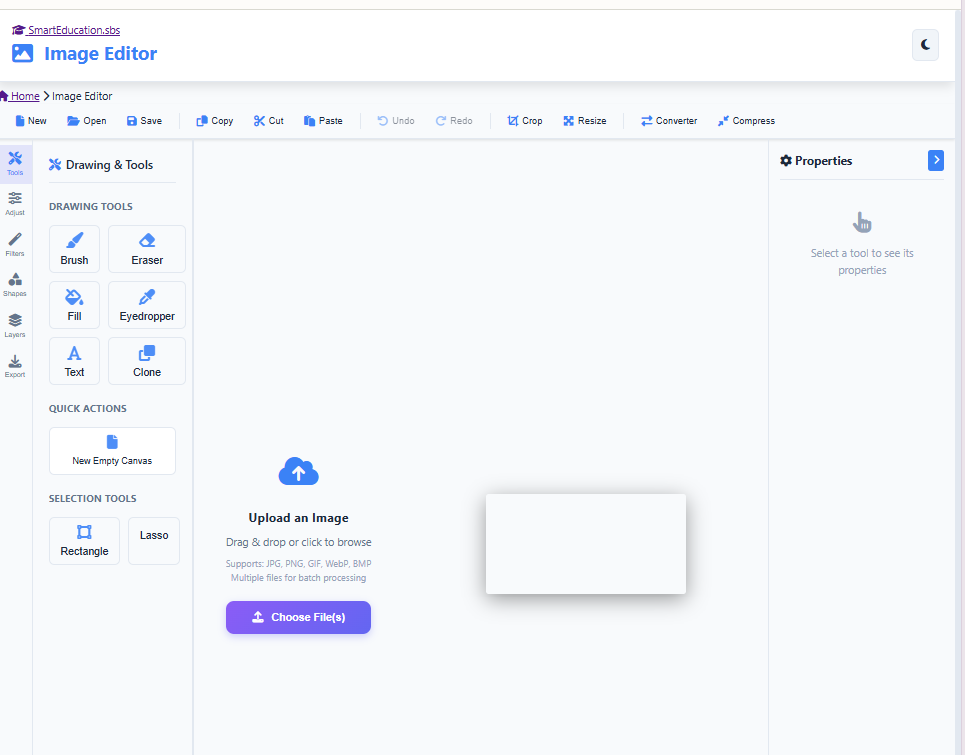
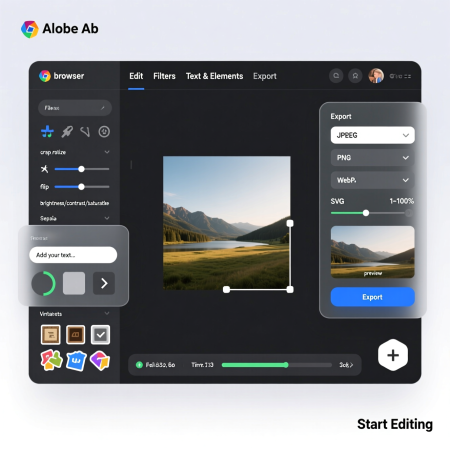
Powerful browser-based image editor with professional features. Crop, resize, rotate, and flip images. Apply filters, adjust brightness, contrast, saturation. Add text, shapes, and stickers. Export in multiple formats with quality control. No installation required – edit images instantly in your browser.
| Feature | Benefit |
|---|---|
| Type | Utilities Tools |
| Access | Free |
| Platform | Browser-Based, Mobile Friendly |
Getting Started
Start using Online Image Editor today and experience professional-grade tools designed to streamline your workflow and boost productivity.
Ready to get started?
Why Choose Online Image Editor?
- ✓ Professional-grade tools
- ✓ User-friendly interface
- ✓ Fully responsive design
- ✓ No installation required
- ✓ Instant access
- ✓ Completely free
Perfect For
Whether you’re a professional, student, or enthusiast, Online Image Editor provides the tools you need to achieve your goals effectively.
💡 Tip: Bookmark this page for quick access to Online Image Editor anytime you need it.